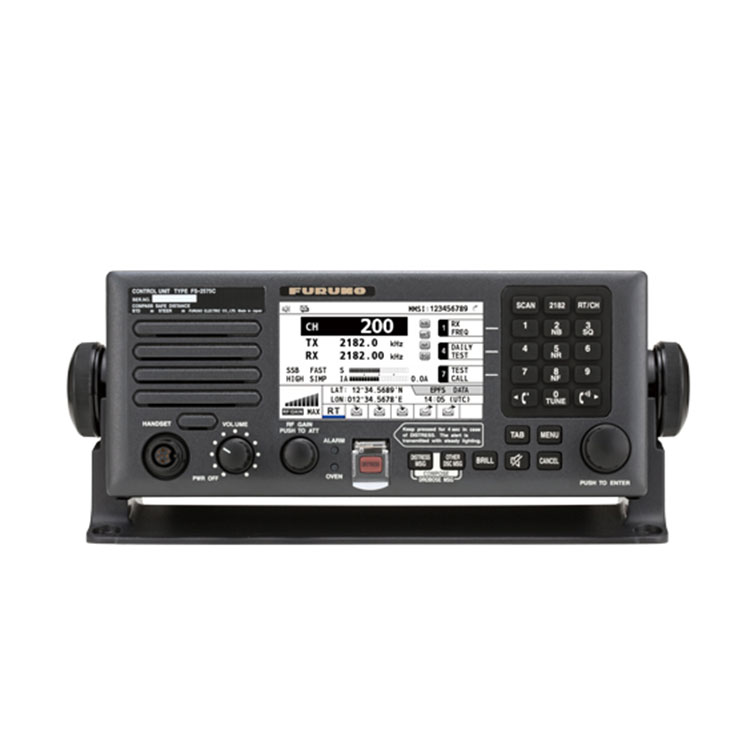
FURUNO FS1575 / FS2575 / FS5075 MF-HF DSC
MMSI Number Change Procedure
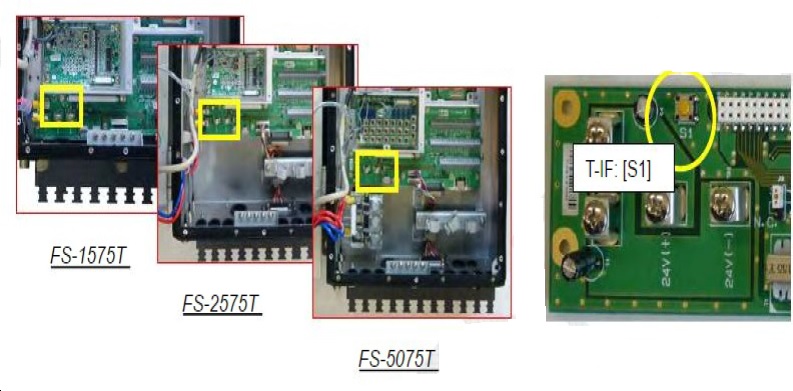
1- While powering on the device, press and hold the “S1” switch on the T-IF board until the MMSI Setup screen appears.
2- The MMSI setup screen will be displayed.
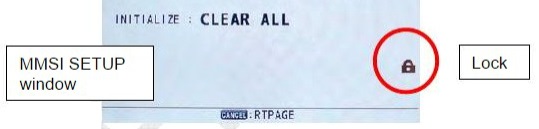
3- Enter the password “652111” to unlock the settings and change the MMSI number.
4- Turn the device off and back on, then verify that the MMSI number has been updated.